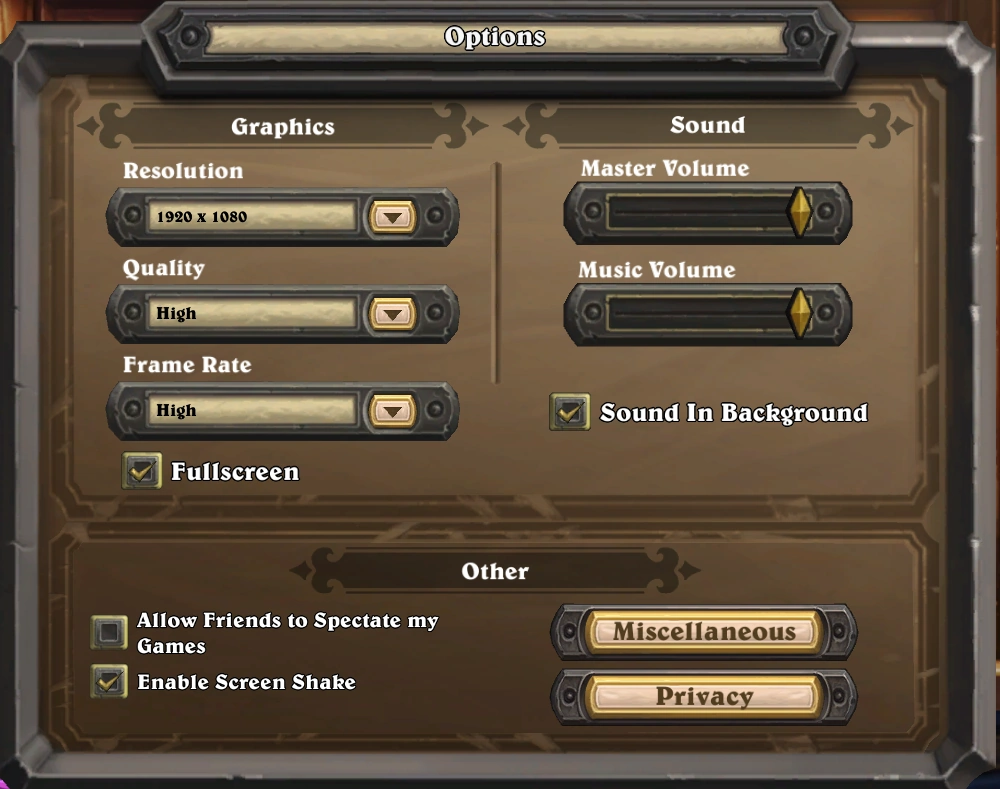
The Options menu
The Options menu is a sub-screen opened through clicking the 'Options' button from the Game Menu, accessed through the cog-wheel icon in the bottom-right corner of the screen, and available at any time. It allows players to adjust settings for graphics and sounds, as well as privacy-related and other miscellaneous settings.
The Miscellaneous section is removed from the menu during play, and while in certain menu screens, such as the Solo Adventures screen.
Graphics
The Graphics section has the following options:
- Resolution
- Quality (Low/Medium/High)
- Frame Rate (Low (30fps) / Medium (60 fps) / High (120fps))
- Toggle Fullscreen (On/Off)
Sound
The Sound section has the following options:
- Master Volume for all sounds
- Music Volume for music only
- Toggle Sound in Background (Whether or not sound will play while Hearthstone isn't an active window)
Other
The Other section has two options:
- Allow Friends to Spectate my Games
- Enable Screen Shake
The Other section also has two sub-sections:
Miscellaneous
The miscellaneous section allows players to watch the credits.
Privacy
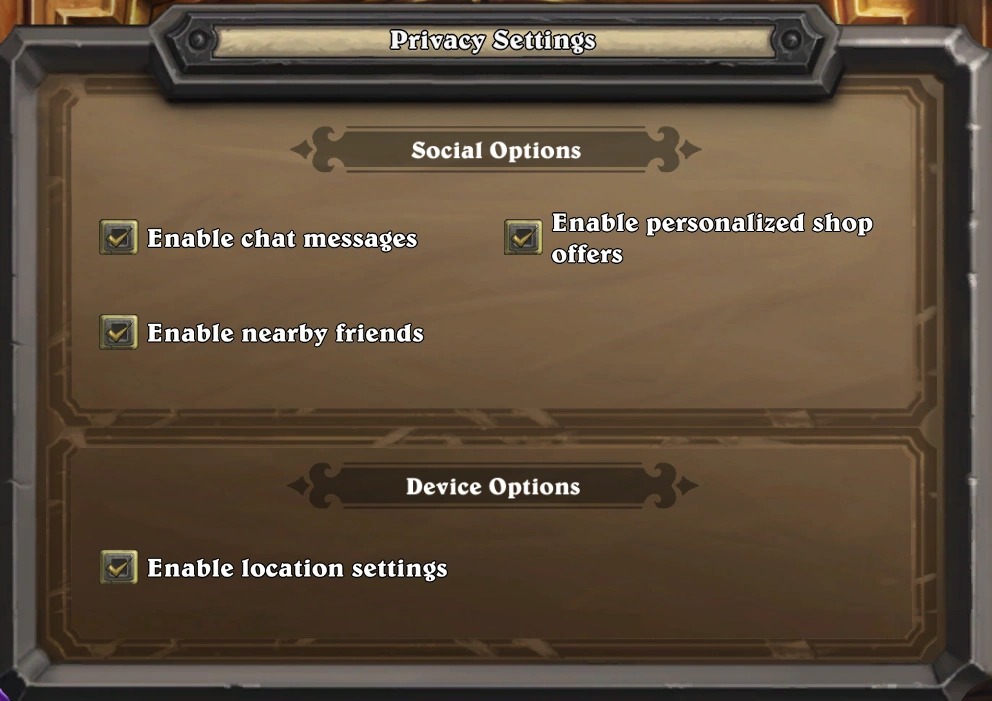
The Privacy Settings menu
In addition to having buttons to view the privacy policy, the privacy settings have the following options:
Social Options
- Toggle Enable chat messages
- Toggle Enable personalized shop offers
- Toggle Enable nearby friends
Device options
- Enable location settings
Gallery
-
 The Options menu prior to Patch 23.2.0.137922
 -
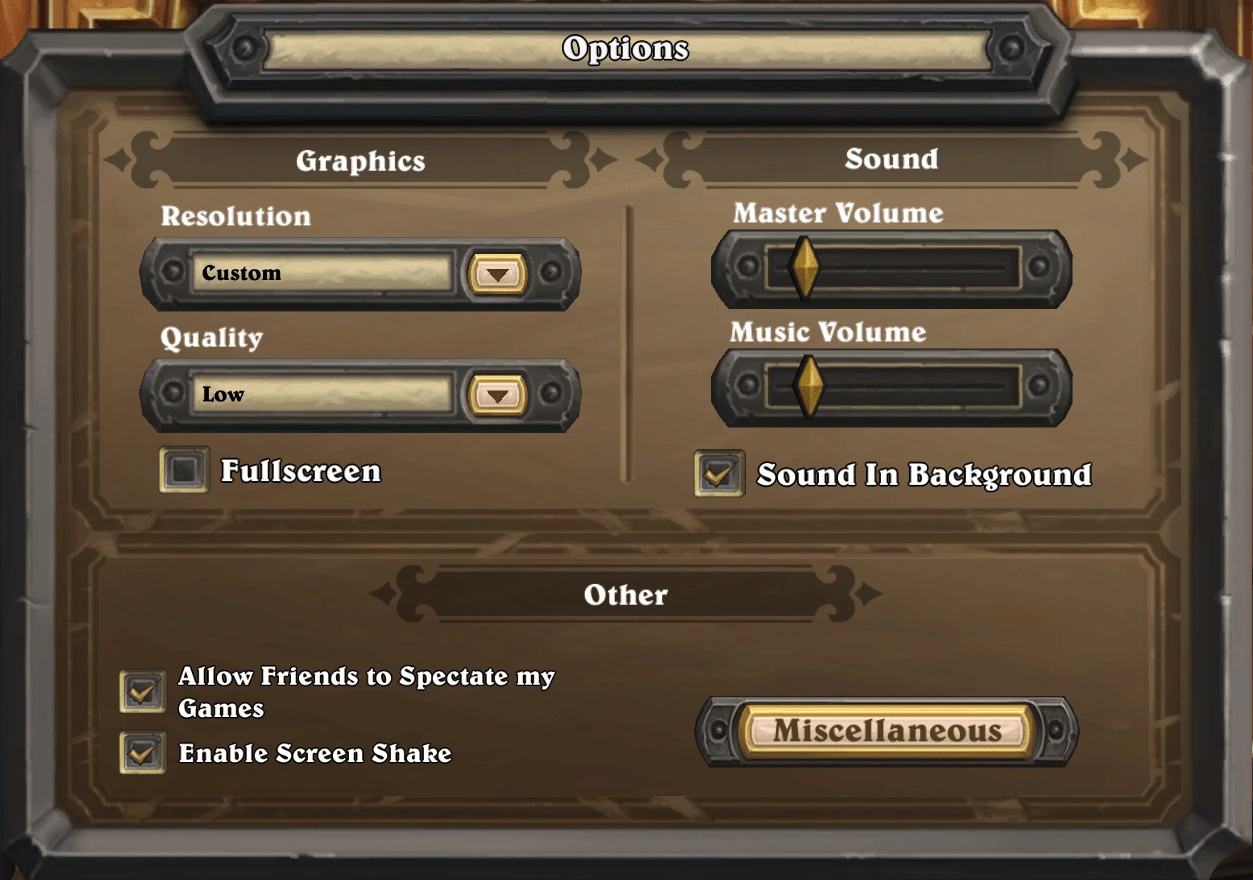
 The Options menu sometime prior to Patch 18.0.0.54613
 -
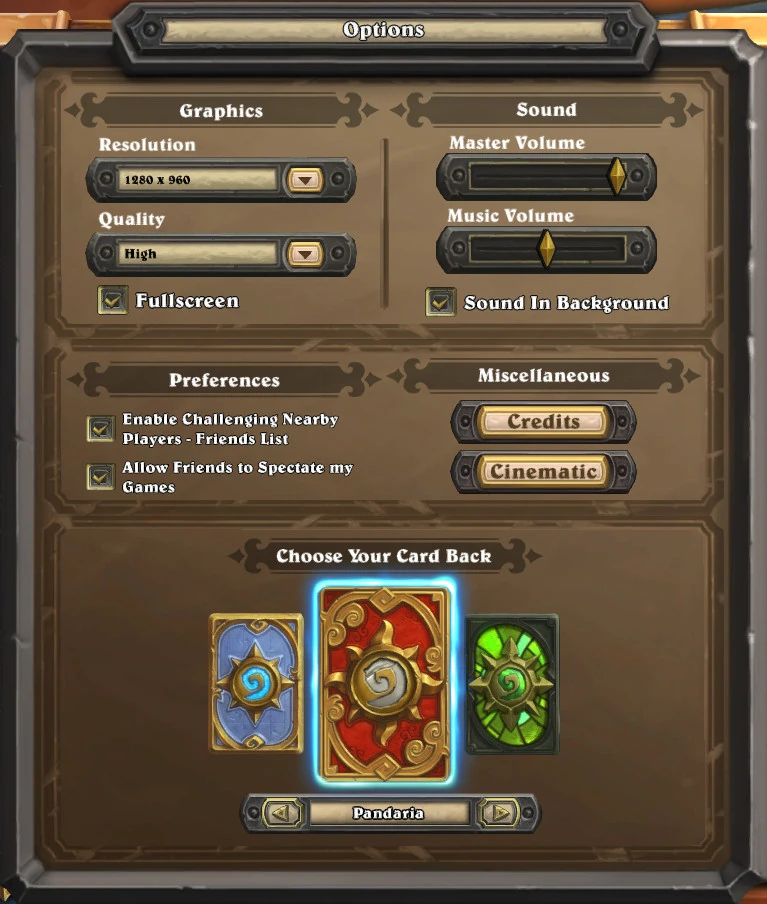
 Prior to Patch 2.7.0.9166
 -
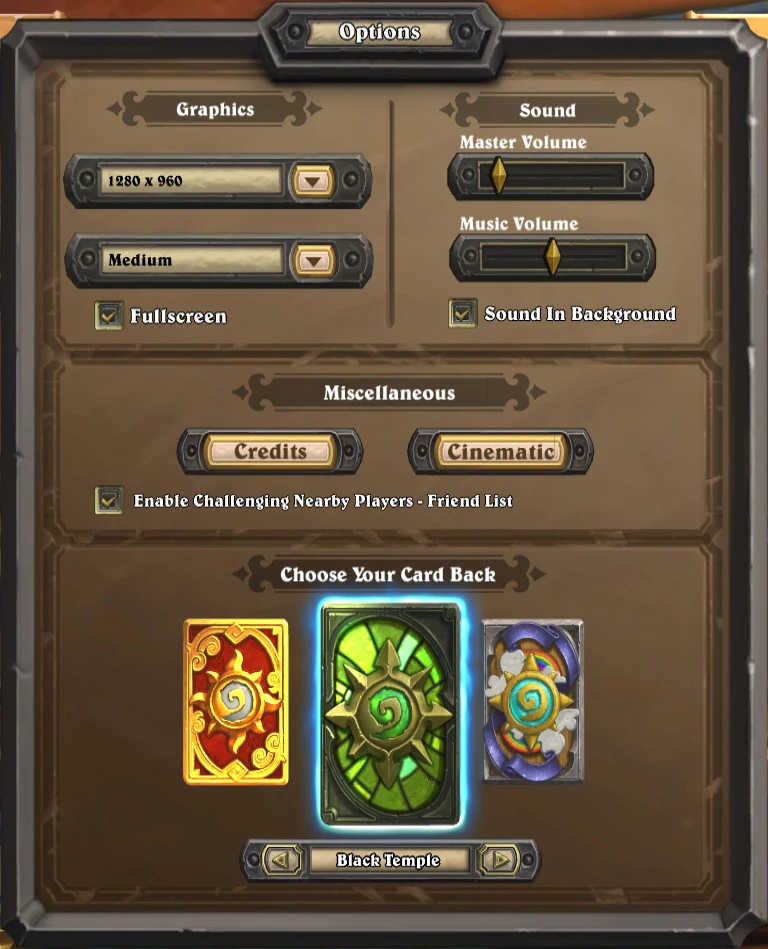
 Prior to Patch 2.0.0.7234
 -
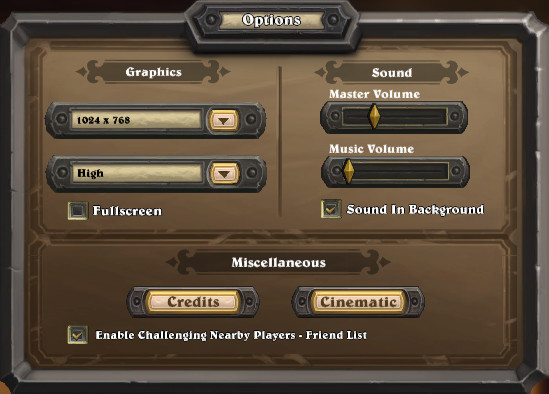
 Following beta Patch 1.0.0.4217
 -
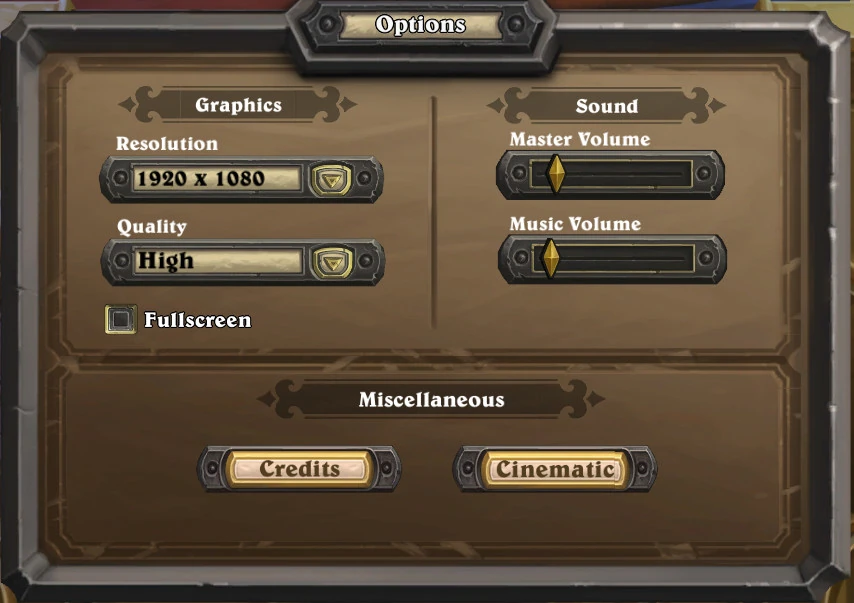
 Prior to Patch 1.0.0.4217


Patch changes
 Patch 23.2.0.138759 (2022-05-13): Frame rate option added.
 Patch 21.2.0.91456 (2021-08-31): Personalized shop offers toggle added.
 Patch 18.0.0.54613 (2020-07-30): Screen shake toggle option added.
 Patch 2.7.0.9166 (2015-06-15): Card backs are now selected through the Collection instead of the Options menu.
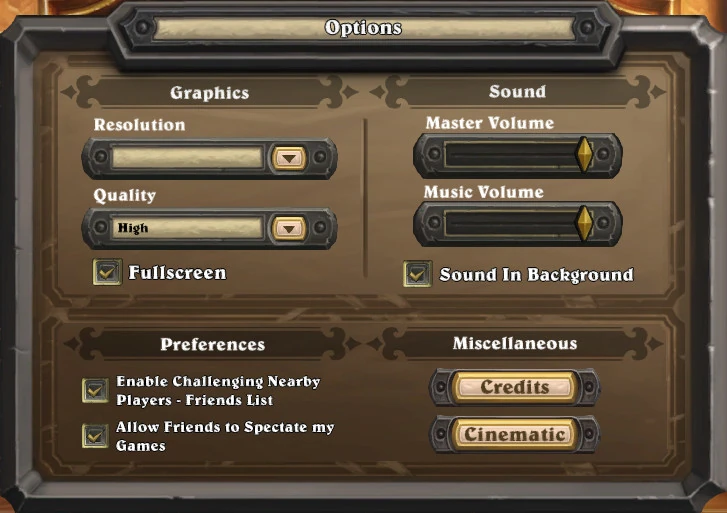
 Patch 2.0.0.7234 (2014-12-04):
- The Options menu has been redesigned slightly. The window is now slightly wider, and the header and section captions are much larger, while most of the options themselves have been shrunk.
- The Miscellaneous section has been moved to the right to make room for a new Preferences section. This section hosts the previous option, Enable Challenging Nearby Players - Friends List, as well as a new option: Allow Friends to Spectate my Games.
- The Credits and Cinematics buttons are no longer covered over during play and certain other times, rather the entire Miscellaneous section is now removed, with the new Preferences section centralised in its absence.
 Patch 1.0.0.5314 (2014-05-08): The Options menu now allows players to watch the credits or the cinematic.
- Patch 1.0.0.4217 (Closed beta, 2013-12-10): You now have the option to keep the sound playing while the game is running in the background.
| ||||||||||||||||||||